
Guest view (mobile)
Guest view lets you hand your phone to someone else so they can browse specific photos and videos, without being able to reach the rest of your library, app settings, or actions like edit, share, delete, or info.
While guest view is active, the app also hides all viewer controls, so it looks like a simple, distraction-free photo viewer.
Enable guest view
Guest view can be started from three places:
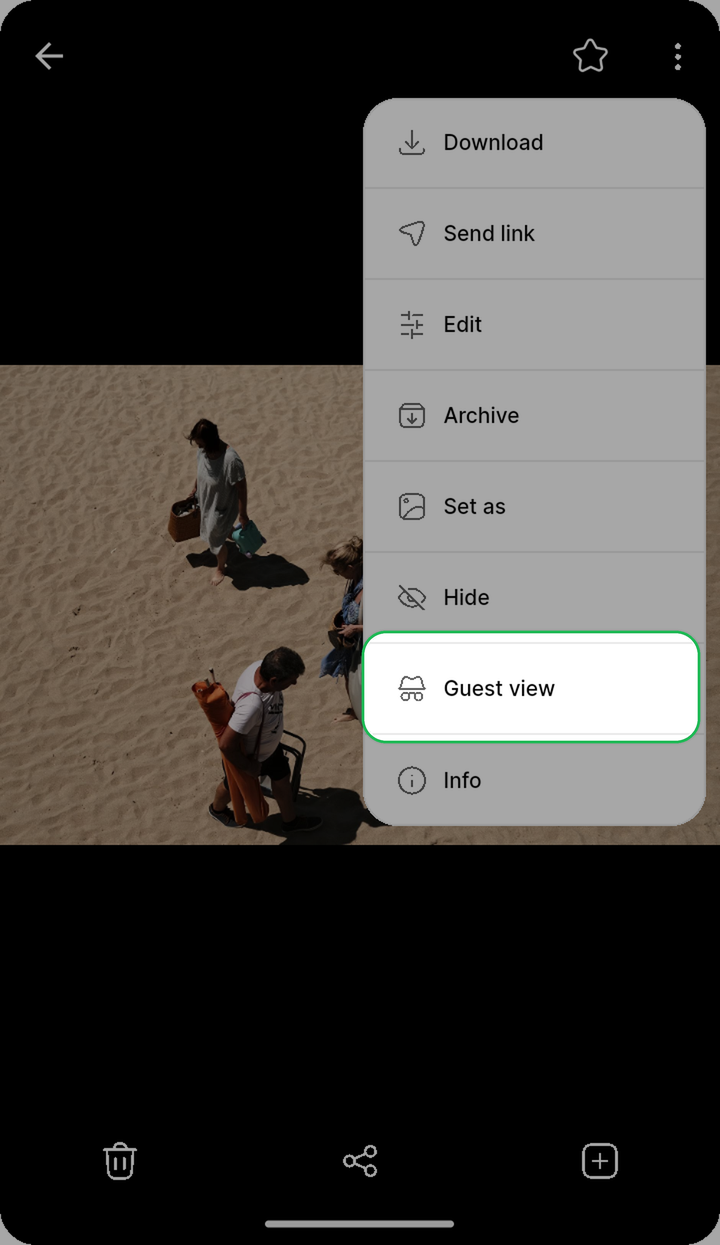
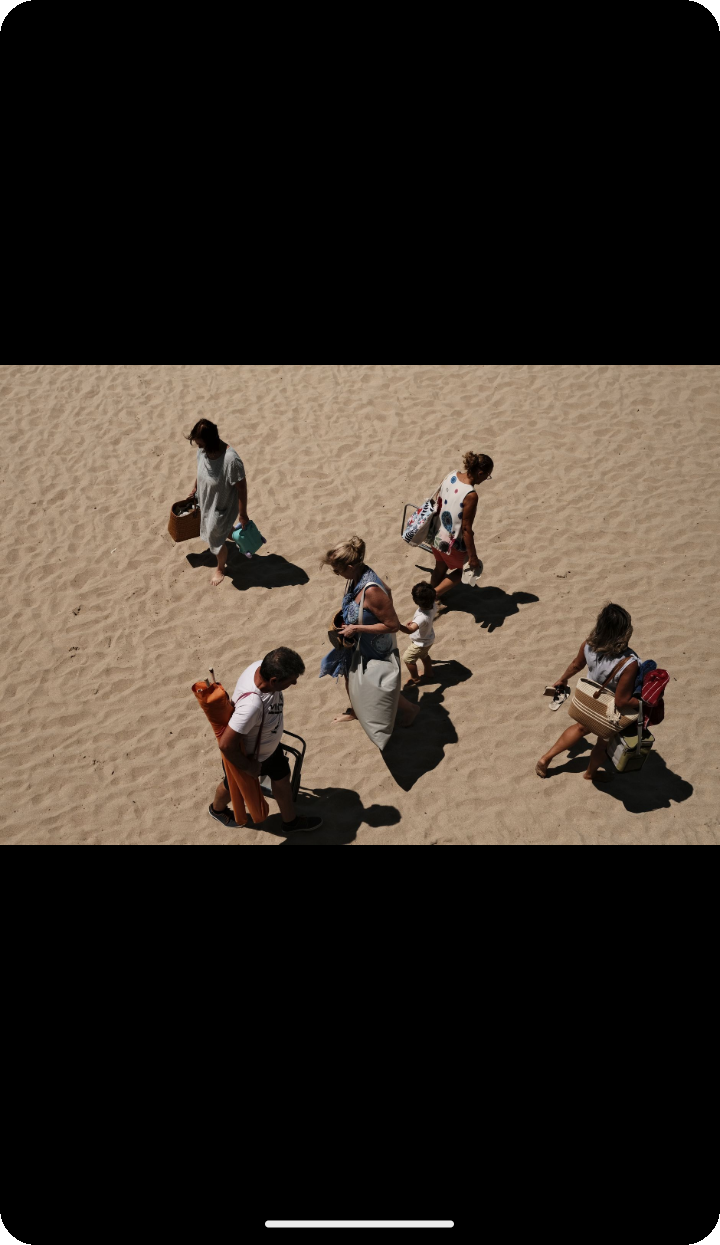
From a single photo or video:
- Open the photo or video
- Tap the overflow menu (⋯)
- Select "Guest view"
This locks the viewer to that single file - swiping to other photos is disabled.
From selected photos:
- Long press to select one or more photos
- Select "Guest view" from the selection actions
Guest view opens with only the selected photos, and you can swipe between them.
From an album:
- Open the album
- Tap the overflow menu (⋯)
- Select "Guest view"
Guest view opens the entire album starting from the first photo, and you can swipe between all photos in the album.
Exiting guest view
Guest view can only be exited with device authentication (Face Recognition, Fingerprint, or your device passcode/password). This prevents the person you handed your phone to from leaving guest view and browsing the rest of your library.
NOTE
Guest view requires a device passcode, screen lock, or biometric authentication to be set up in your system settings. If none is configured, Ente shows a prompt asking you to set one up first.