
Referral program
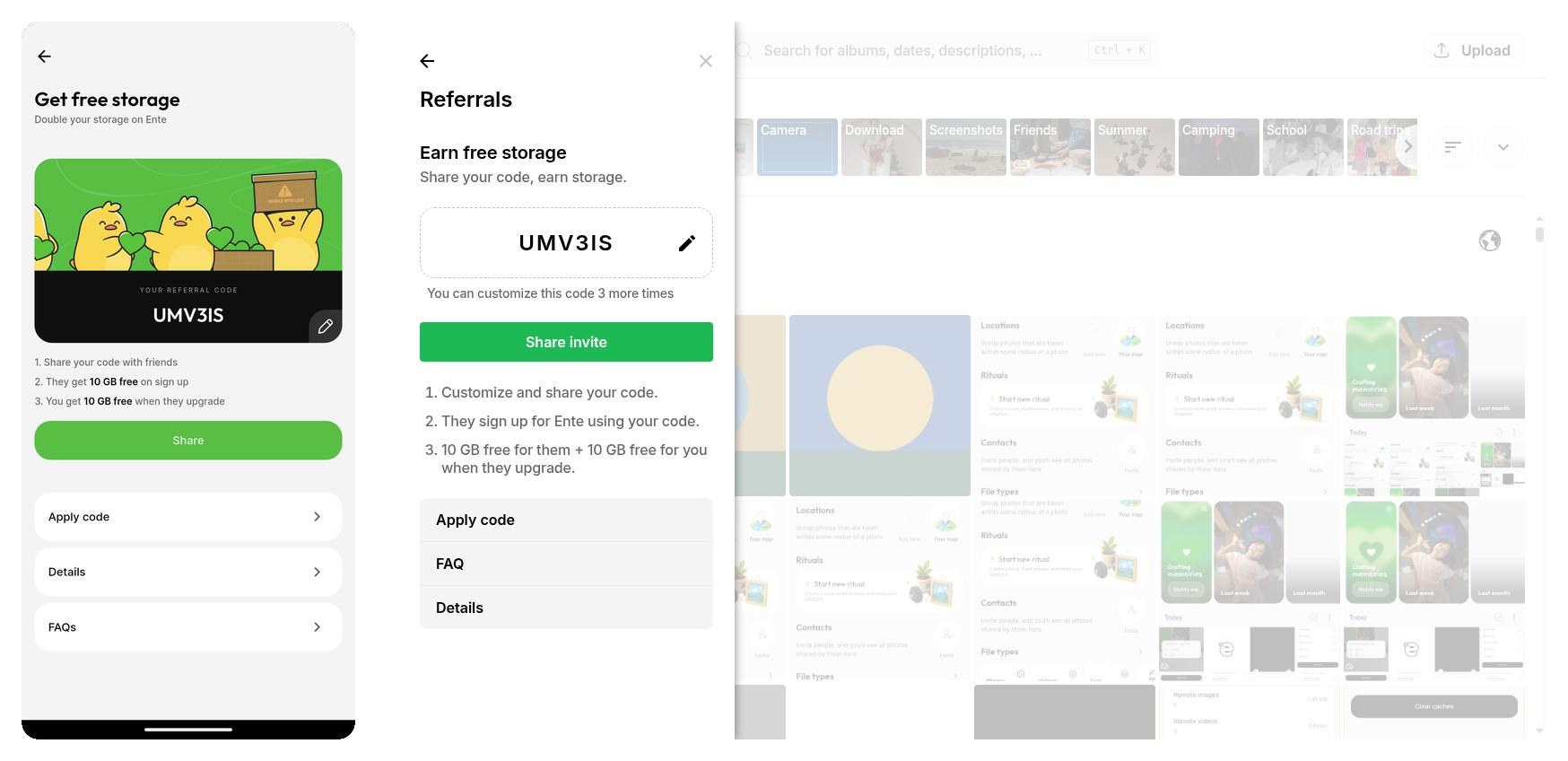
You can refer your friends to earn free storage on Ente.
Your friend gets an extra 10 GB immediately after applying your referral code. You get an extra 10 GB when your friend upgrades to a paid plan.
Find your referral code
You can find your referral code under Settings > Referrals.
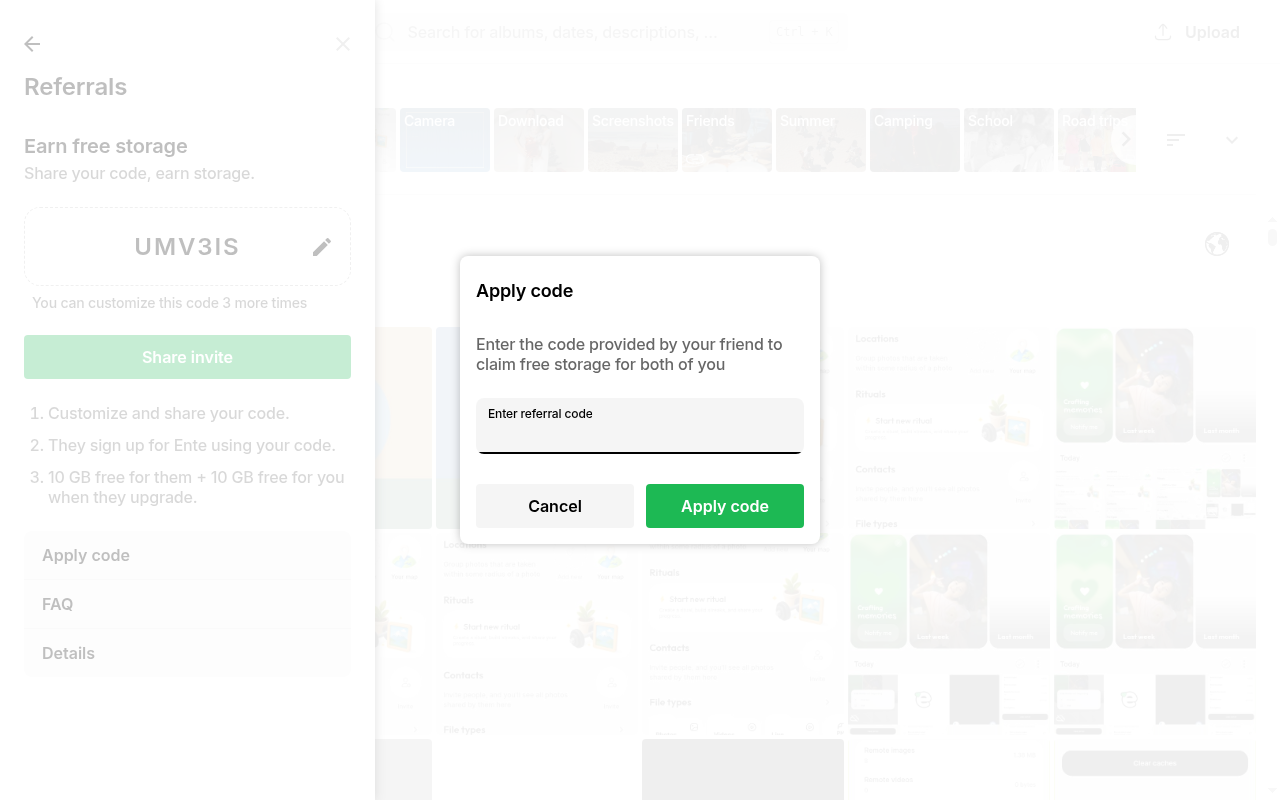
Apply a referral code
Referral codes can be applied within Settings > Referrals > Apply Code.
As a new user, you get an extra 10 GB as soon as you apply a referral code. No paid subscription is required.
Customize your referral code
You can personalize your referral code to make it easier to share. To change your code, go to Settings > Referrals and tap on your current code.
Requirements for custom referral codes:
- Must be between 4 and 20 characters
- Must contain only letters and numbers (alphanumeric)
Note: You can change your referral code up to 3 times.
Related FAQs
- How much storage can I earn through referrals?
- For how long do I have access to referred storage?
- What happens if I refer more people than my plan allows?
- What counts as abuse of the referral program?
More questions? Drop a mail to [email protected]!