Apple removed the option for UK users to enable Advanced Data Protection, the setting that gave iCloud Photos its strongest privacy protection. A photo on your iPhone and that same photo in iCloud may look identical, but they are not protected in the same way any more.
What changed?
Advanced Data Protection was an optional iCloud setting that extended end-to-end encryption to more of your data
UK users who had not already enabled ADP can no longer turn it on. Apple says existing UK users with ADP will be given a period to turn it off themselves if they want to keep using iCloud.
Without ADP, categories such as iCloud Photos, iCloud Backup, iCloud Drive, and Notes will use Apple’s Standard Data Protection. The data is still encrypted, but Apple retains the keys needed to decrypt it.
“Encrypted” does not mean private from the provider
Most people hear “encrypted” and stop worrying. That is a trap, because there are different kinds of protection.
Encrypted in transit means your data is protected while it travels between your phone and a server. Notice how it says nothing about who can access it once it arrives.
Encrypted on the server means your data is stored encrypted, but the provider holds the keys. That can make account recovery possible. It also means the provider holds the ability to decrypt that data.
End-to-end encrypted means the keys stay on your trusted devices. The provider can store your data, but cannot read it.
If you hold the keys, the company is storing a locked box. If the company holds a key, the company can open the box. This is why “your photos are encrypted” is incomplete. A locked phone does not automatically mean your encrypted cloud copy cannot be read.
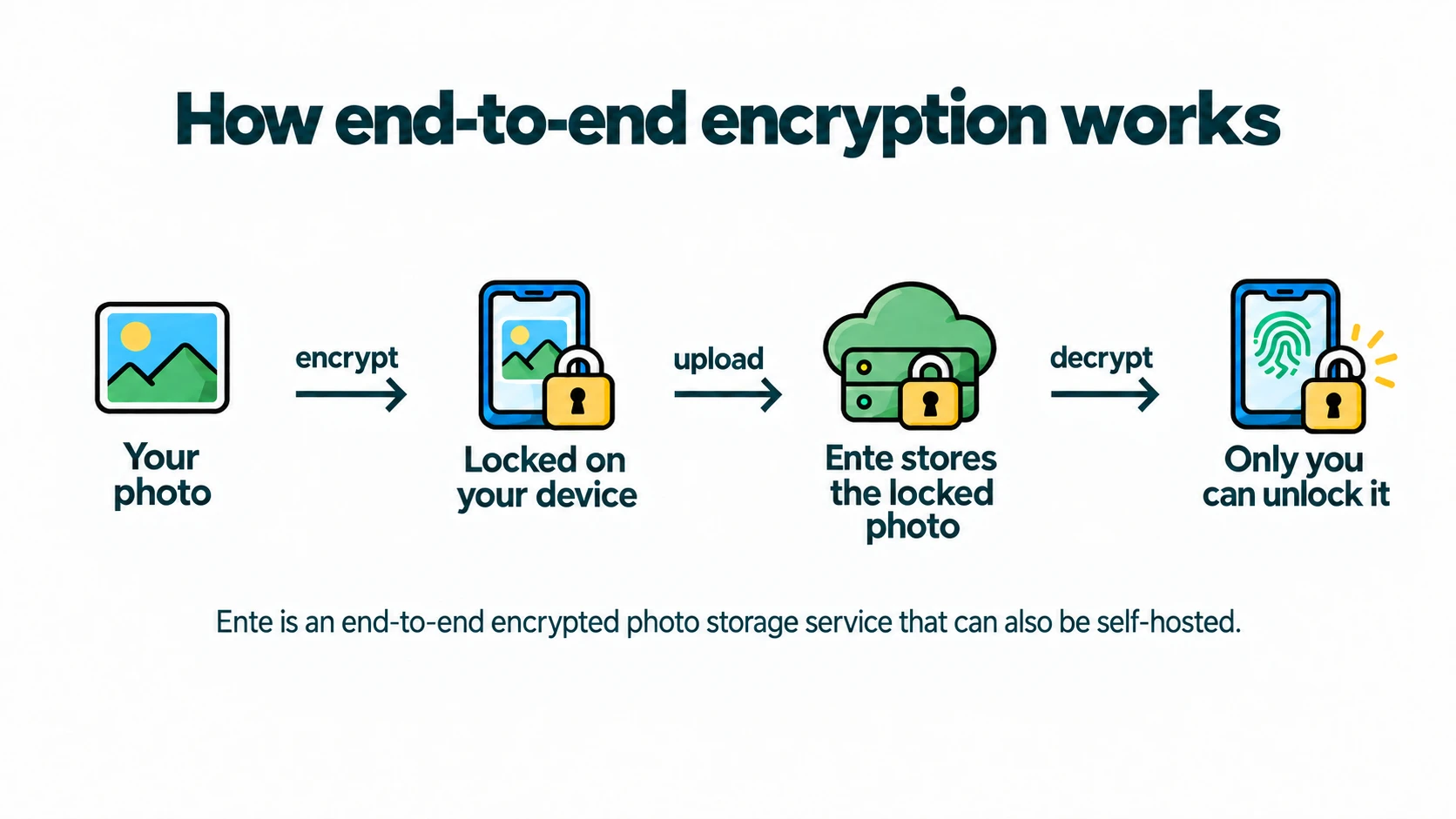
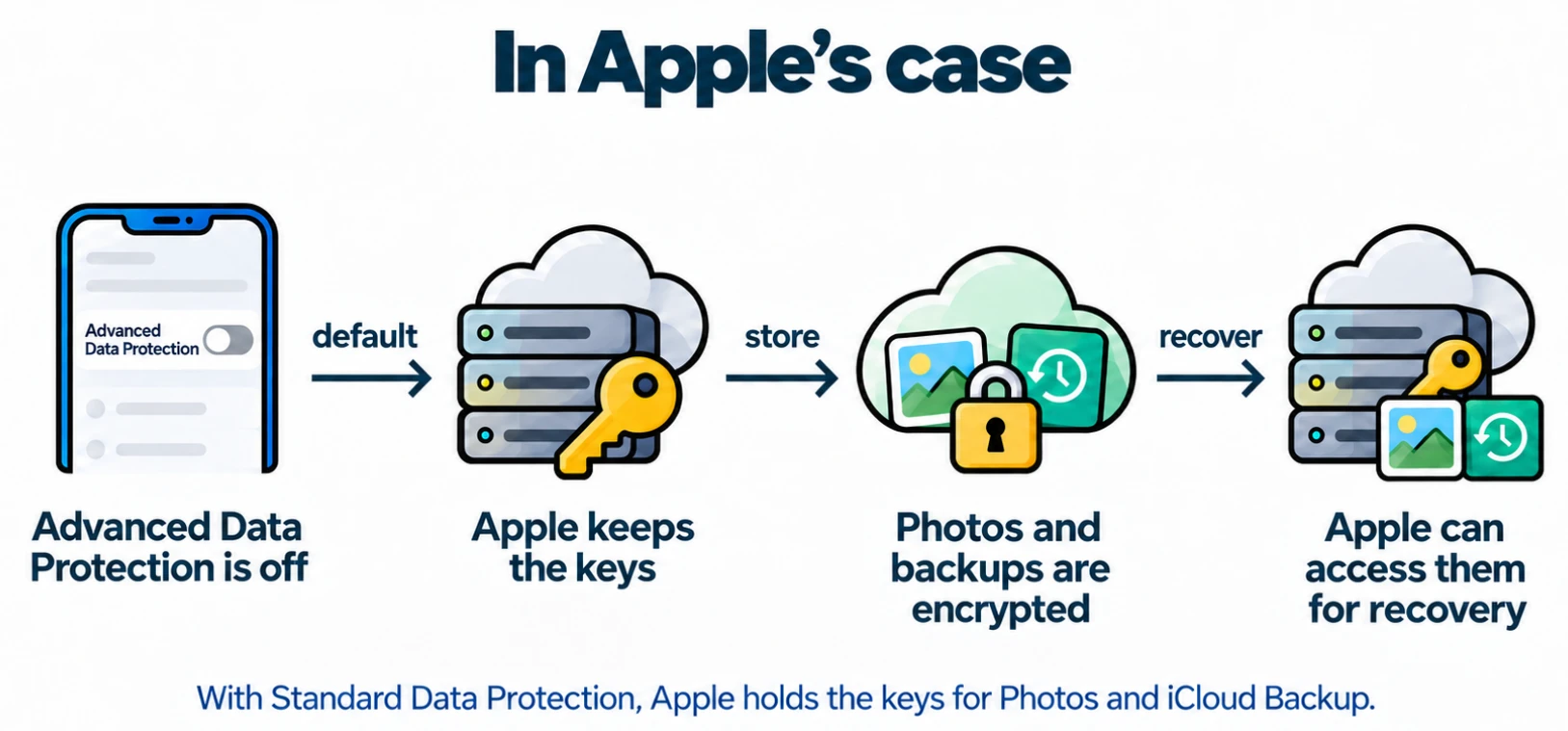
The useful question is: who holds the key to the cloud copy? In this case, it’s Apple.
Why this hits photos hardest
A photo is a piece of someone’s life.
If that photo sits in a cloud where the provider holds the keys, privacy becomes a promise about policy - “We can look if we want, but we promise not to”.
If that photo is end-to-end encrypted, privacy becomes assured through design - “We cannot look even if we wanted to”.
If you don’t want the privacy of your photo library to depend on where you live, which setting is available, or how a company changes their policy, Ente Photos keeps your library and its metadata end-to-end encrypted by default.
Prefer not to trust a cloud server at all? Ente is open source and you can self-host and keep the same end-to-end encryption for your library and metadata.